HomeCybersecurity Microsoft 365 Outage | Strengthen Your Network With Physical Cybersecurity
Microsoft 365 Outage: Strengthen Your Network With Physical Cybersecurity
(Microsoft Outage Cybersecurity)
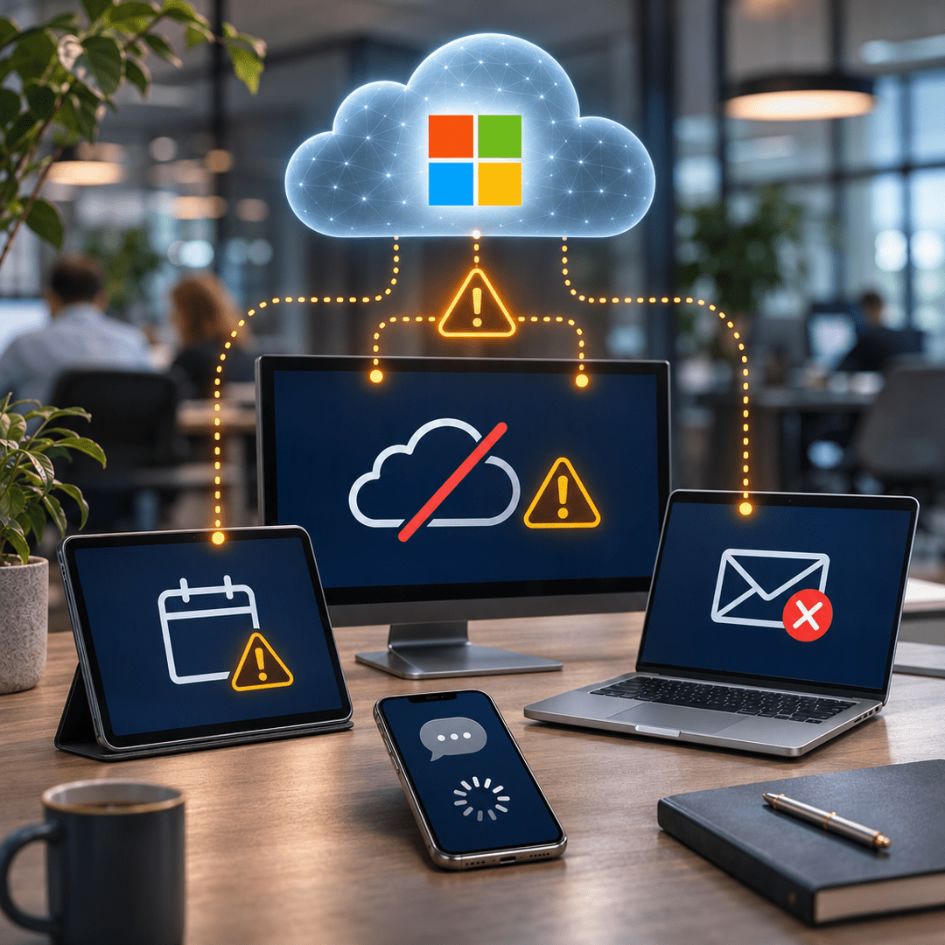
On November 12, 2026, millions of people opened Outlook and found nothing loading. Within hours, the problem spread to Teams calendars, Copilot, SharePoint and even Microsoft’s own security tools.
This blog explains what happened, the problems it caused, and how SmartKeeper Physical Cybersecurity helps organizations protect the ports, cables and devices that keep their own networks running.
Physical Cybersecurity Matters for Your Network After the Microsoft 365 Outage
The outage was not a cyberattack. It came from failures inside the infrastructure itself. For businesses, it’s a reminder that downtime can start with the systems they rely on every day, and the part they can control is the network inside their own walls.
What caused the outage:
A Hidden Defect
A previously undetected defect made networking gateway servers unresponsive under certain load. At peak, more than 80% of these servers stopped responding.
A Traffic Change
A change in how traffic was allocated in the network increased the load and made the defect more likely to appear.
Capacity Loss to Check
Maintenance on the gateway hosts had already cut fleet capacity by 14%.
The Problems Microsoft 365 Outage Caused
Work Stopped: Teams lost access to email, calendars and contacts, so daily coordination came to a halt.
Critical Services Switched to Manual:hospitals, schools, courts and government offices in many countries switched to paper and phone calls to keep operating.
A Chain Reaction Across Connected Tools: MS Teams, Copilot, Teams Rooms and Universal Print were affected because they depend on Exchange Online.
Security Visibility Was Reduced: Problems with Purview and Defender showed that software-based protection can go down with the platform behind it.
Control the Infrastructure You Own
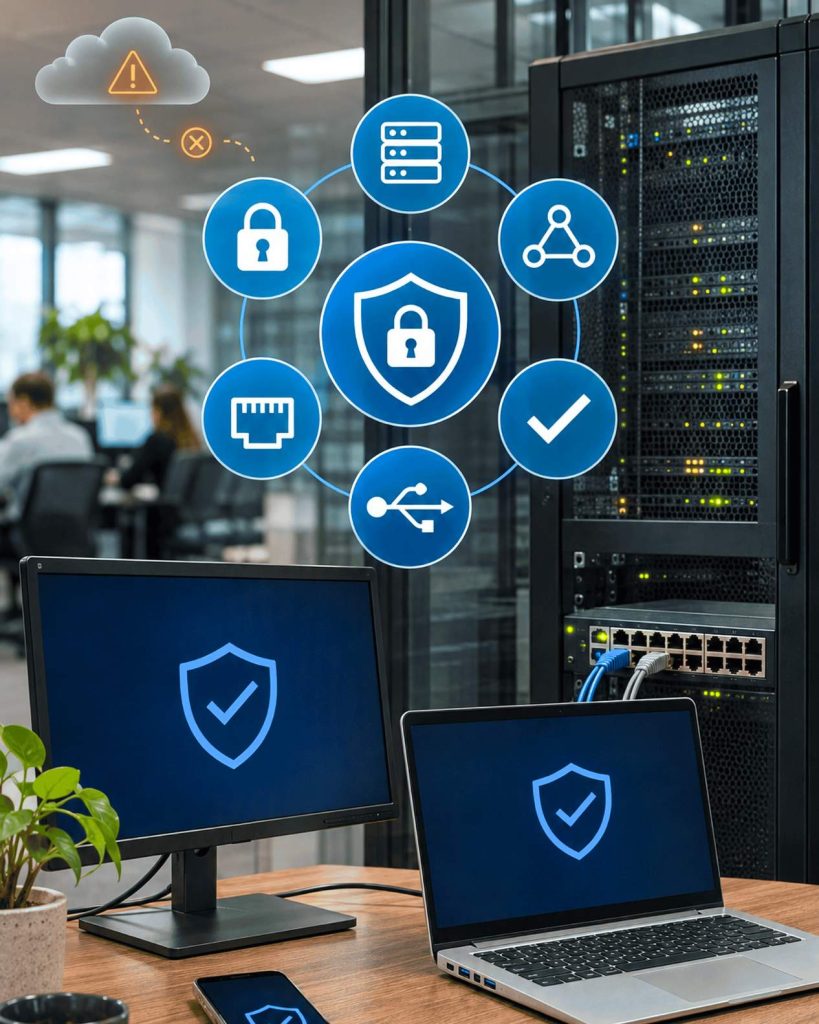
No business can fix a cloud provider’s software defect. What every business can do is make sure its own network does not become the next point of failure. Inside your own office, server room or branch, downtime can start with something simple and physical:
Pulled or loose cables:one unplugged Ethernet cable can take a switch, server, POS terminal or camera offline.
Unauthorized devices:an unknown laptop or device plugged into an empty network port can disrupt or compromise the network.
Rogue USB drives and cables:an open port invites malware, data theft and unapproved changes.
Uncontrolled hands during maintenance:when anyone can unplug or reconnect equipment, changes happen without approval or record.
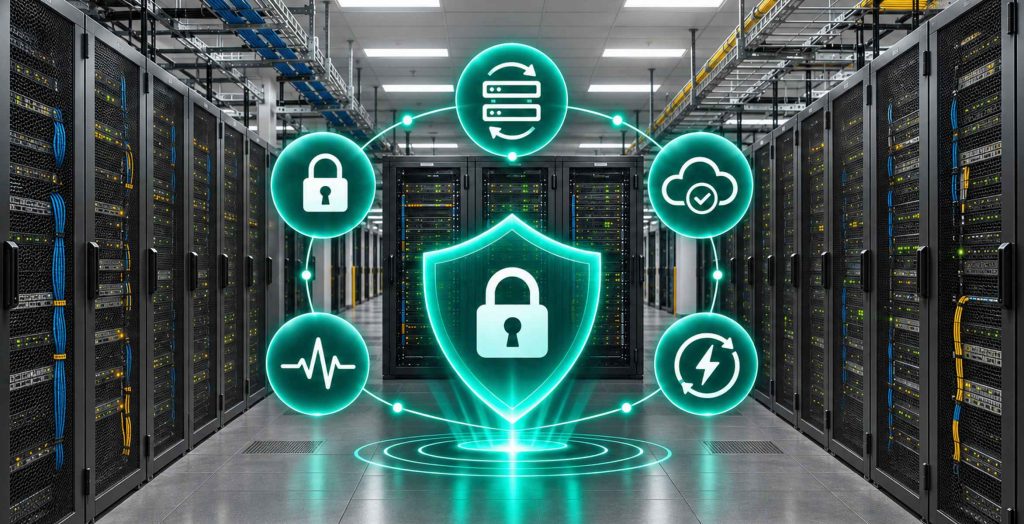
Firewalls monitor network traffic, but they can’t stop someone from unplugging a cable or inserting a device. Physical Cybersecurity closes that gap.
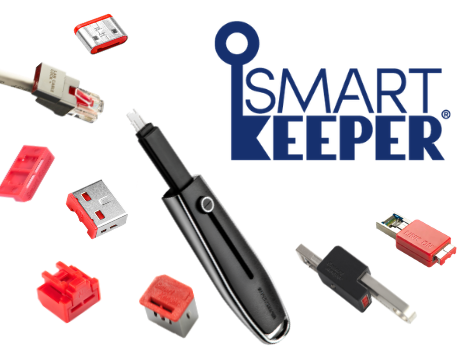
Need a SmartKeeper Key for your Port and Cable Locks?
A business network is only as reliable as the ports and cables that keep it connected, which is why outage readiness must start at the hardware level, not just in software. As an authorized distributor, NewGenProtect delivers genuine SmartKeeper physical cybersecurity solutions, backed by expert deployment guidance and local support across Southeast Asia. This physical-first approach keeps critical cables connected, blocks unauthorized devices, and closes the gaps firewalls can’t reach, so every connection stays protected, whether it’s in the server room, at the network switch, or on the office floor. With NewGenProtect, your network stays secure, dependable, and ready for what’s next.
No. Conveniently, the LAN Cable Lock Plus can be installed onto cables that are already connected, so no network downtime and operations still continues.
Your team still reaches the cloud through your own switches, cables and devices. If that local connection fails, work stops even when the cloud service is running fine.