RJ45 Port Blocker | Have you ever felt uneasy about the open ports on your company’s computers and network switches? Those gaping holes are gateways for data thieves and other digital delinquents.
Don’t just rely on firewalls and software – add another layer of physical security to your system.
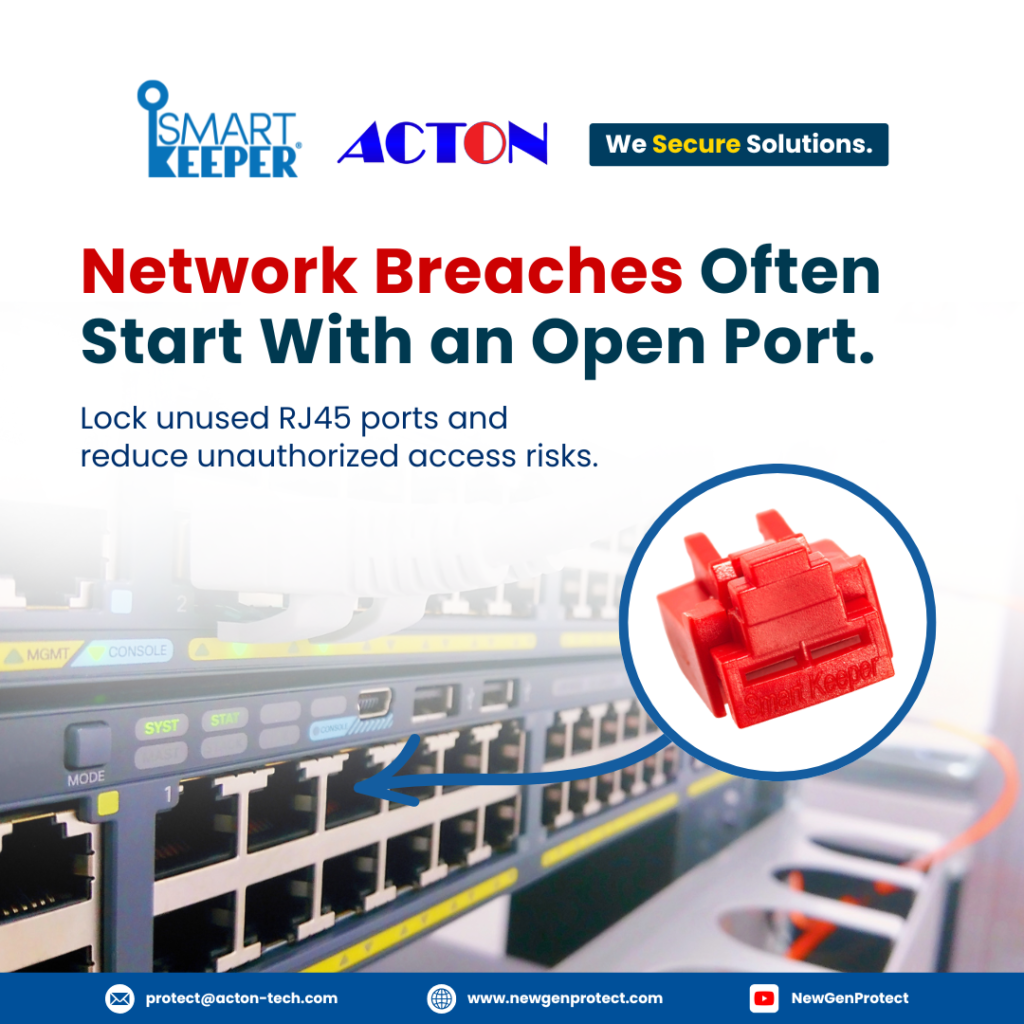
Smart Keeper’s RJ45 port blockers are the innovative solution to seal up your equipment’s vulnerable inputs and outputs.
These unassuming little widgets are your first line of defense.
Don’t wait until it’s too late – start securing your network physically today with Smart Keeper’s RJ45 port blockers.
An open network jack is an easy target. SmartKeeper port blockers physically seal off vacant ports, eliminating the risk of unauthorized access from rogue devices plugged into your network. This provides an added layer of protection for any sensitive data on your systems.
Deter Internal Sabotage
Unfortunately, not all threats come from outside. A disgruntled employee with malicious intent could easily access your network by plugging into an empty wall jack. SmartKeeper blocks unused ports to mitigate risks from internal sources as well.
Cost-Effective Solution
While software security requires ongoing investments and maintenance, Smart Keeper provides a simple, economical solution. Once installed, you have peace of mind that your network is physically locked down around the clock. For pennies per port, you get an extra barrier against cyber threats targeting your infrastructure.
RJ45 port blockers, also known as Ethernet port lockouts or Network Port Locks, are physical security devices that lock down the ports on Ethernet switches, routers, and patch panels. By blocking unused ports, they prevent unauthorized access to your network infrastructure and the sensitive data transmitted across it.
Prevent Unauthorized Access
With open ports on network equipment, anyone can plug in and access your network. RJ45 port blockers seal off unused ports so no one can tap into your network without authorization. This adds an extra layer of protection for your network security.
Deter Tampering
RJ45 port blockers also deter attempts to tamper with network equipment by locking ports and protecting cabling. This makes it much more difficult for someone to install a network tap or other sniffing device to monitor network activity.
Reduce Configuration Errors
Blocking unused ports on Ethernet equipment also helps prevent configuration errors. With open ports, it’s possible to accidentally plug cables into the wrong ports, causing network issues. RJ45 port blockers eliminate this possibility by sealing off ports not in use.
Simple but Effective Solution
While software firewalls and other cybersecurity measures are important, physical security should not be overlooked. RJ45 port blockers provide an easy, affordable way to strengthen the physical security of your network. Combined with other best practices like patching, monitoring, and user education, they help create a robust, defense-in-depth security posture for your organization.
For any successful business today, multi-layered security is essential. Network Port Locks add an extra physical layer to help protect your network, complementing the software measures already in place. They may be a simple solution, but in security, simplicity and effectiveness are a powerful combination.
Interested in tailored cybersecurity solutions?
Our experts are set to provide technical advice.
We're not just a service provider; we're your partner, guiding you every step of the way while you focus on your business and projects.
An unused Ethernet (RJ45) port left exposed is a direct physical doorway into your network, no hacking skills required, just a cable and a few seconds. Here’s why organizations rely on an RJ45 Port Blocker as a frontline safeguard:
Closes off the exact pathway intruders and malware use to infiltrate a network through an exposed Ethernet port.
Protects critical, high-exposure environments
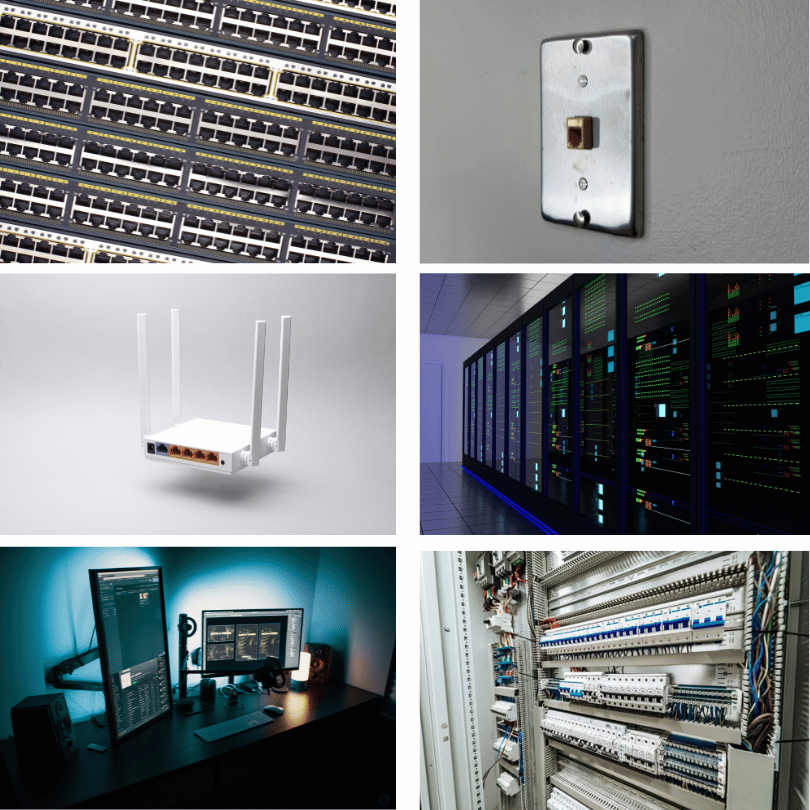
Especially valuable for data centers, server rooms, patch panels, substations, and control rooms where dozens of open ports are common attack surfaces.
Key-controlled removal
Requires a matching Universal Lock Key exclusive to your organization, ensuring only authorized personnel can remove it.
An RJ45 Port Blocker (Network Port Lock Plus) is a physical security device that plugs into an unused Ethernet port and seals it off, preventing unauthorized devices from connecting until it’s removed with a matching key.
No. It works alongside firewalls, VLANs, and monitoring tools by adding a physical layer of defense, one that still holds even if software-based protections are compromised or misconfigured.
Yes. It’s designed to be removed only with a matching Universal Lock Key exclusive to your organization, giving authorized staff-controlled access whenever a port needs to be reactivated.
NewGenProtect is the leading authorized distributor of SmartKeeper products across Singapore, Philippines, Thailand, Malaysia, and Vietnam. You can reach a local representative via protect@acton-tech.com.