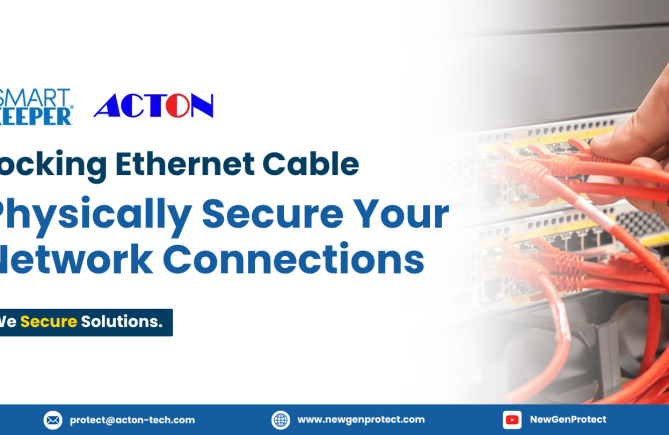
HomeCybersecurity Why Choose a LAN Cable Lock to Secure Your Network?
The Professional Protection LAN Cable Lock That Keeps Every Connection Secure
(LAN Cable Lock)
A LAN cable looks like the safest part of your network. It’s plugged in, it works, and nobody thinks about it. But anyone who can reach it can unplug it, swap it to their own device, or knock a critical system offline in seconds.
This guide explains when to use a LAN cable lock, how the SmartKeeper Pro LAN Cable Lock Plus protects your connections, what to check before buying, and why businesses choose SmartKeeper over other brands
When Can You Use the LAN Cable Lock and Why It's Important in your Network Security?
You can use a LAN cable lock on any Ethernet cable that must stay connected to its device. Today, offices, data centers, and public spaces are shared by more people than ever, so every connected cable is a quick way to disrupt or misuse your network. A LAN cable lock keeps approved cables in place, so only authorized staff can remove them.
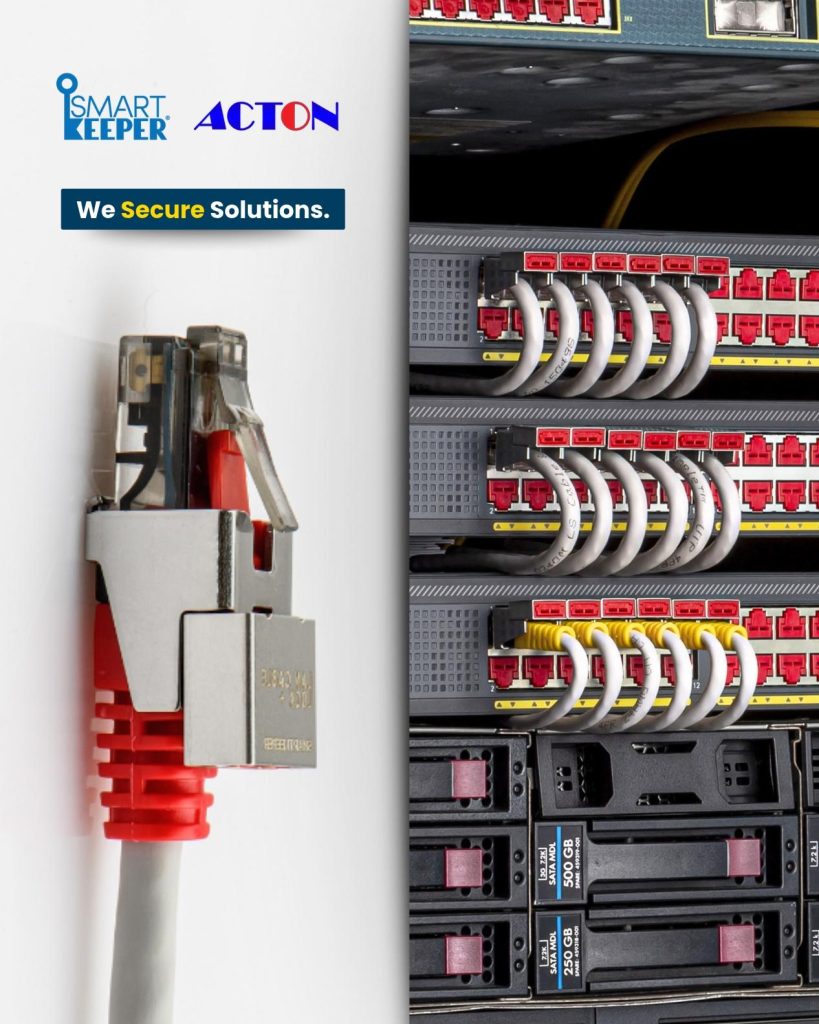
Use a LAN cable lock on uplink and access ports in network switches so cables can’t be pulled to take whole floors offline. It also protects server and server rack connections in data centers, and WAN and LAN ports on routers and firewalls at the network edge. In offices, banks and hospitals, it keeps finance, HR, teller and nurse-station workstations on their approved connection, while in retail it keeps POS terminals and kiosks connected in areas the public can reach.
How does the LAN Cable Lock help?
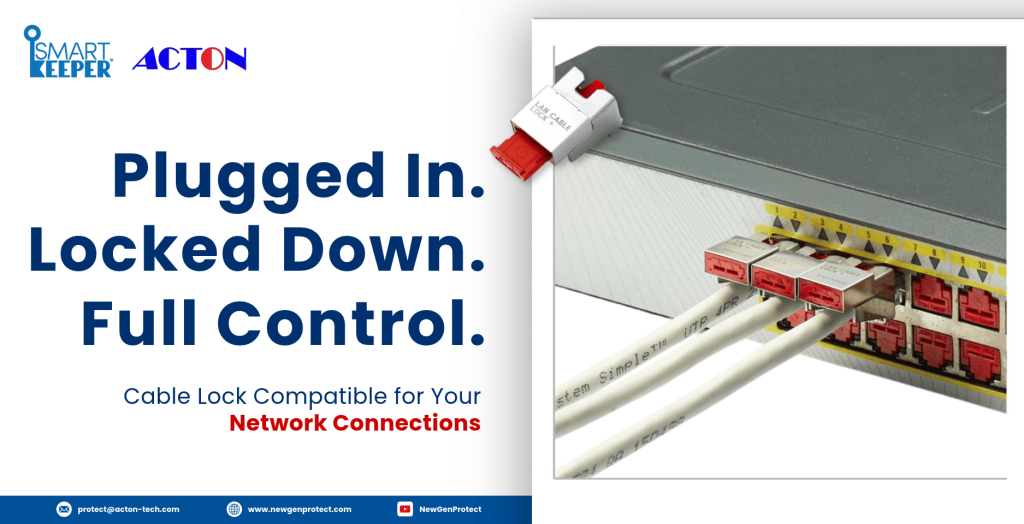
The SmartKeeper LAN Cable Lock Plus attaches to a connected Ethernet cable and locks it inside the RJ45 port. Once it’s on, the cable can’t be unplugged or swapped without the matching Universal Lock Key. This prevents unauthorized access, accidental disconnection and tampering with your network. Even when the cable is live, you can still lock its connection without unplugging.
Why It Matters in the Present Network Security
Software protects your data, but it can’t stop someone from simply unplugging a cable or moving it to an unauthorized device. Shared desks, visitor areas and busy service counters now put connected cables within reach of more people. One pulled cable can interrupt a server, a payment system or a security camera, and one swapped cable can let a rogue device onto your network. A LAN cable lock adds the missing physical layer and works alongside your existing security, with no software, licenses or power needed.
That is why more businesses add the SmartKeeper LAN Cable Lock Plus to their security plan: it’s a simple, low-maintenance way to keep every critical connection where IT put it.
Product Features of the SmartKeeper LAN Cable Lock Plus
Your Cables Stay Plugged In, Your Network Stays Online:The lock holds the Ethernet cable firmly inside its RJ45 port, so it can’t be pulled out by hand, preventing accidental disconnections, and no sudden downtime to your area.
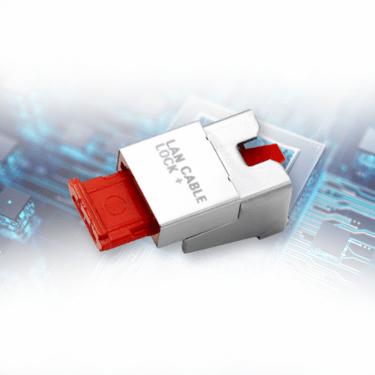
Compact Fit for Busy Switches and Racks:It measures 13.7 × 15.1 × 27.0 mm and weighs just 4.9 g. It fits neatly on connected cables in crowded switches and server racks.
Holds Firm Against Vibration and Forced Removal: The LAN Cable Lock Plus is firmly fixed inside the port once pressed and resists vibration and forced release attempts.
Secure Live Systems With Zero Downtime: You can secure servers, switches and systems while installing the LAN Cable Lock Plus without disconnecting it from the equipment, letting it continue to stay online.
Works Without Software, Power or Maintenance:The lock is purely physical. There is nothing to install, update or license, and no training is needed.
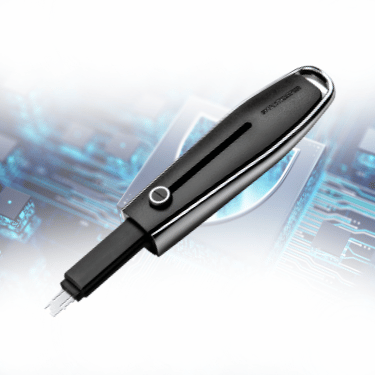
The lock that secures the connected Ethernet cable. It installs without unplugging the cable, and is built for company networks, data centers, and regulated workplaces.
The key that unlocks across the SmartKeeper Pro range locks. Once purchased, it carries a pattern, exclusively built for your organization, so only your team can unlock your cables.
Before selecting the product of your choice, compare these basics that fulfills your needs for network cybersecurity:
Cable compatibility:Check that the lock fits the Ethernet cables and ports you need to protect. Ask for test samples to confirm the fit before a full rollout.
Installation without downtime: For live servers and switches, choose a lock that attaches without unplugging the cable.
Locking strength: The lock should stay in place under vibration and forced release attempts.
Key management: Choose a key system that is specially crafted for your organization so it also works with your other port locks. Also help IT manages fewer keys and able to access them with ease.
The right LAN cable lock depends on your devices, your work environment and how strictly you need to control access. The SmartKeeper LAN Cable Lock Plus was designed to meet each of these needs.
Need a SmartKeeper Lock for your Network Cybersecurity?
Many LAN cable locks look alike, but the SmartKeeper Pro LAN Cable Lock Plus is built for business-grade network protection, backed by controlled keys, supply and support across Southeast Asia. Here’s what sets it apart:
Built to Hold Under Pressure: Engineered with the right materials from SmartKeeper so that it’s lock button fixes the lock firmly inside the port, resisting any faults or forced release attempts, so cables stay connected in demanding environments.
Keys Only Your Organization Holds: Each customer is assigned its own key profile and serial number, recorded with the organization’s details. The LAN Cable Lock Plus opens only with a Universal Lock Key that is customized to match the patterns of your lock, so a key from another set won’t work.
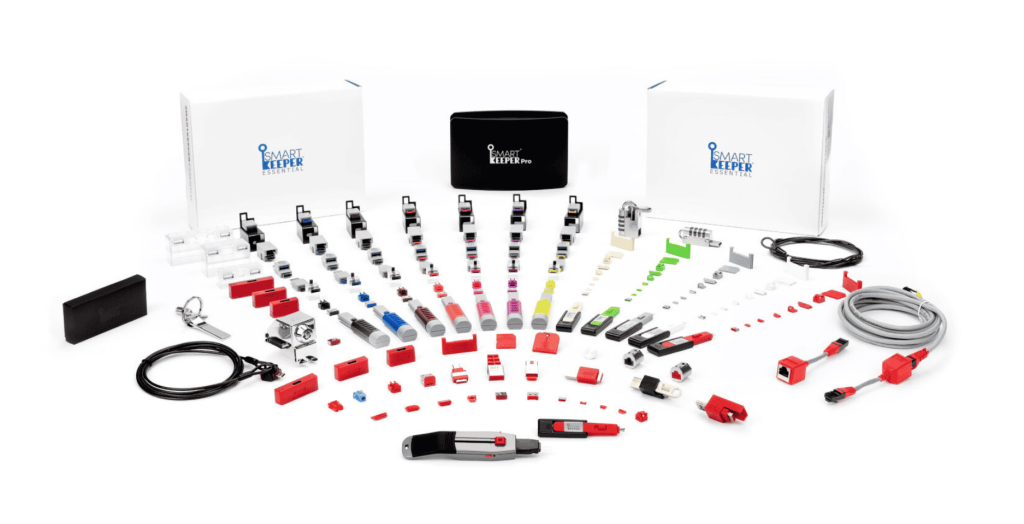
Two Series, One Trusted Brand: Whether you secure a corporate network or a small office, SmartKeeper has a fit. Choose the Pro series for tight access control to your business, or the Essential series for personal use, everyday port protection.
Technical Support for SmartKeeper Across Southeast Asia: As an authorized SmartKeeper distributor, supports customers locally in Singapore, Philippines, Malaysia, Thailand and Vietnam, with product advice and test samples.
A network is only as secure as its most exposed cable, which is why protection must start at the hardware level, not just in software. As an authorized distributor, NewGenProtect delivers the genuine SmartKeeper LAN Cable Lock Plus, backed by expert deployment guidance and local support across Southeast Asia. This physical-first approach keeps approved cables plugged in, stops unauthorized unplugging and cable swaps, and secures live connections without downtime, so every connection stays protected, whether it’s on the server rack, the cashier counter, or the nurse station. With NewGenProtect, your network security stays genuine, dependable, and built to last.
It means protecting a network connection at the hardware level. Instead of relying only on software, a LAN cable lock physically stops an Ethernet cable from being disconnected without authorization.
A LAN cable lock secures a port that is in use by locking the cable in place. An RJ45 port blocker seals a port that is empty. Use both together for complete port protection.
Contact us, the authorized SmartKeeper distributor, for help. SmartKeeper Pro keys are sold only to verified B2B customers, and key profiles are recorded with each organization’s details, so only your organization can get a key that fits your locks.