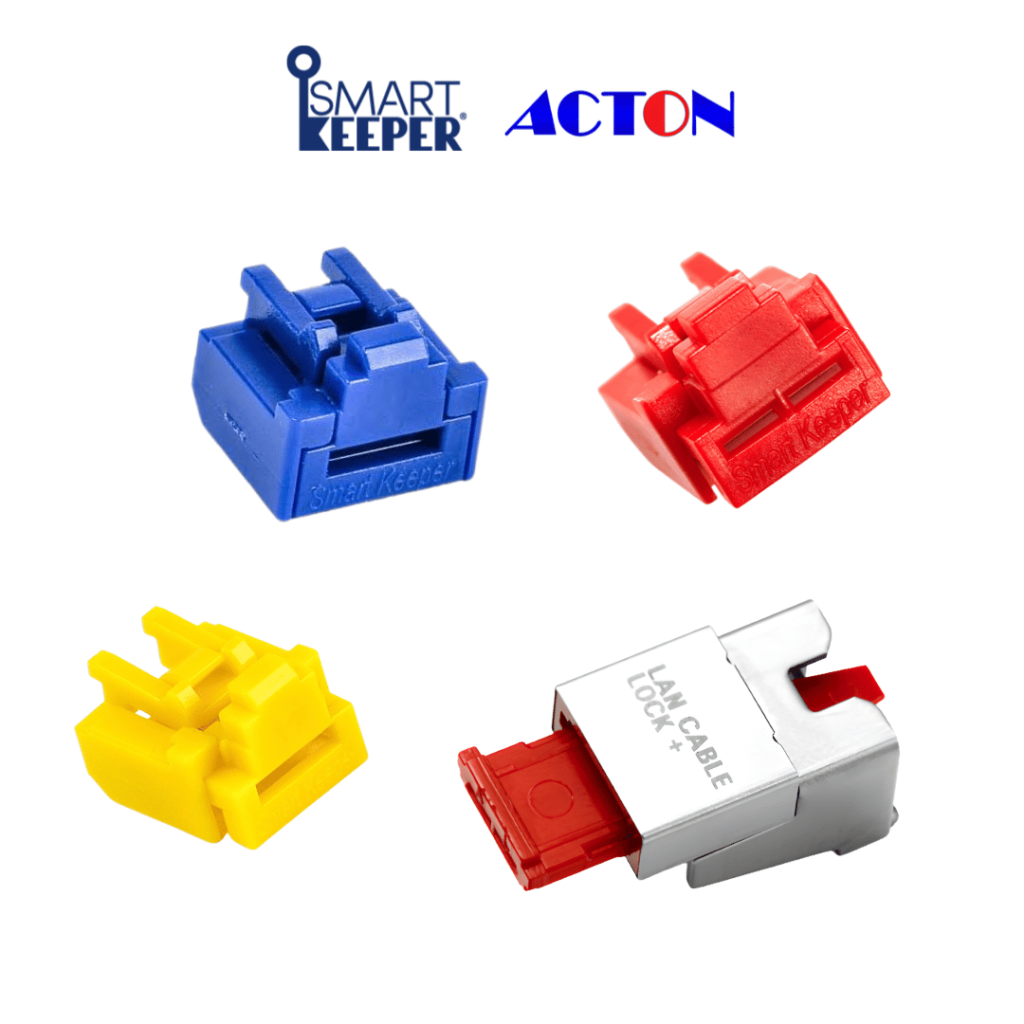
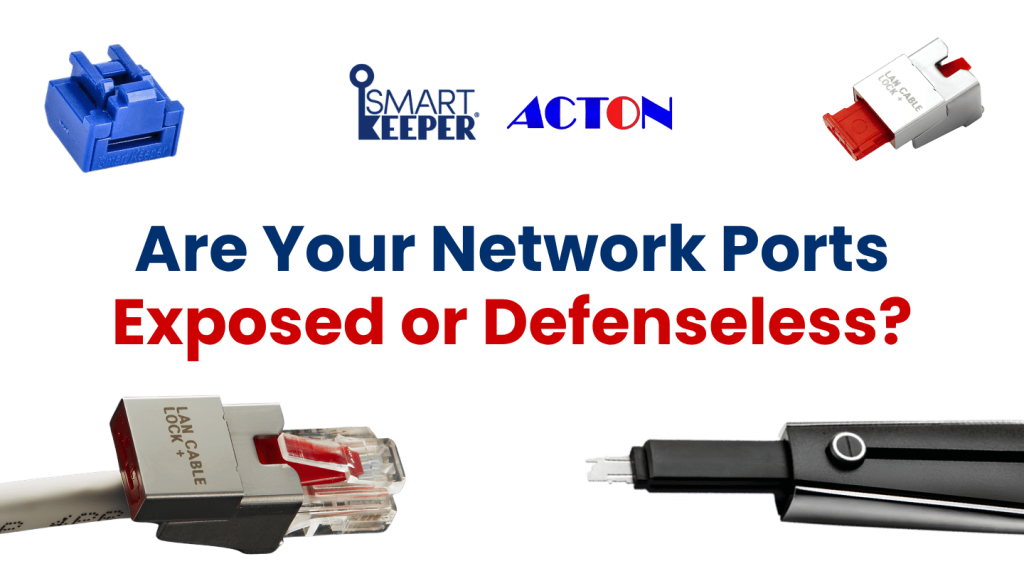
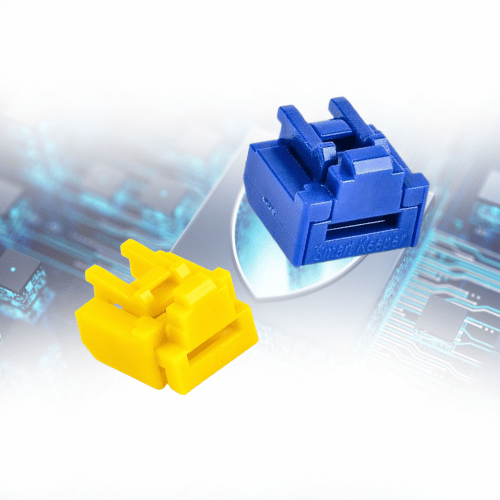
Network port locks are small physical security devices. They fit into or onto Ethernet (RJ45) ports so no one can connect or disconnect a device without authorization. They can block unused ports, or they can keep active cables locked in place. Only the matching key can remove them.
Firewalls and security software monitor your network traffic, but they can’t stop someone from plugging a laptop or rogue device into an empty port. Network port locks add that missing physical layer. They work alongside your firewalls, VLANs, and monitoring tools.
Key Advantages of Using Network Port Locks
Contact Our Acton SmartKeeper Team
Request a quotation, free demo, samples, kits and technical advice from our cybersecurity experts. Send us a message!
Every unused Ethernet port is an open door into your network. Port locks close that door, so employees, outsiders, and visitors can’t plug in unauthorized devices.
Data Protection: Safeguard Sensitive Information
Unsecured ports can be used to install malware, steal data, change network settings, or plant surveillance equipment. Locking the ports keeps your sensitive data on approved, monitored connections.
Access Control: Limit Physical Connections
Each SmartKeeper Pro lock opens only with a Universal Lock Key that has the same hidden pattern. Lock-and-key sets come in hundreds of patterns, and they can be customized for your organization.
Cost-Effectiveness: A Simple, Affordable Solution
Port locks are a one-time hardware purchase with no licenses, software, or upkeep. You can install them by hand in about 3 seconds, and no training or maintenance is needed.
Versatility: Works in Multiple Environments
Port locks fit standard RJ45 ports on desktops, laptops, servers, switches, routers, firewalls, patch panels, wall jacks, VoIP phones, printers, & kiosks.
Network Port Locks Use Cases
Offices and meeting rooms
Secure wall jacks in meeting rooms, empty desks, and shared workspaces where visitors and contractors can easily reach open ports.
Data centers and server environments
Close the spare ports that build up on patch panels, top-of-rack switches, and servers, and lock critical links in place.
Schools and universities
Protect classroom, laboratory, and library network outlets that many students and guests use every day.
Hospitals and healthcare facilities
Keep patient-room, waiting-area, and nurse-station ports closed to visitors so patient data networks stay protected.
Government, defense, and financial institutions
Port locks fit standard RJ45 ports on desktops, laptops, servers, switches, routers, firewalls, patch panels, wall jacks, VoIP phones, printers, & kiosks.
An Essential Series compact, lightweight blocker that stops unauthorized access to unused Ethernet ports. You unlock it with the matching SmartKeeper Lock Key Mini or Basic. It comes in several colors, which makes it a good fit for personal use.
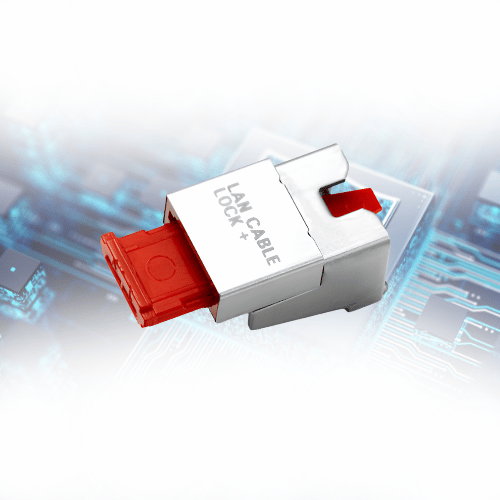
This LAN lock keeps an inserted Ethernet cable locked in its RJ45 port so it can’t be unplugged without authorization. It installs without unplugging the cable, so there’s no downtime, and it opens only with the matching Universal Lock Key.
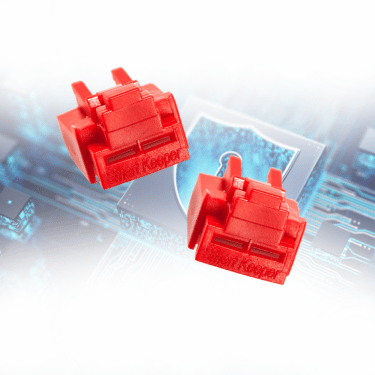
This is SmartKeeper’s Professional Series RJ45 blocker. It has a push-to-bite structure, sits fully inside the port, and has a key hole thinner than 0.5 mm to resist tampering. It can only be unlocked with an exclusive Universal Lock Key.
Are You Interested? Discover More Solutions Here.
CHECK OUR PRODUCTS MORE:
HARDWARE SECURITY
Pro series is a customized security solution tailored to your company’s IT infrastructure.